
I recently had the opportunity to visit one of our “branch” office locations. I put branch in quotes because it is these locations where the actual revenue-generating operations take place. I work in the corporate office where the organization’s shared services operate. We play the supporting roles for the branches.
But I digress. This was the first opportunity for me in my current role to visit one of our branches. For the most part it was what I expected. But in one respect it was enlightening to me. People were finding workarounds to overcome deficiencies in IT support and infrastructure.
First I encountered a gentleman who was using a laptop which I did not recognize. I could tell right away it wasn’t one of the standard issue HP notebooks we provision. Much to my dismay it was in fact the man’s personal laptop. When I asked him about the situation he pointed me at his company desktop computer. It was virus-ridden and unusable. He had opened a Help Desk ticket months ago. So I looked up the ticket. It was closed because this gentleman failed to respond to email inquiries from the Support technician. Why? He had no reasonable way to access his email. So he brought in his personal laptop, gave out his personal email address for correspondence, and was able to basically function at his job. He did not need access to internal corporate data so he could get by with access to the public wifi. I felt for this man. And what made me feel worse was how delightful he was with me. It turns out he was a computer programmer many moons ago in the early days of the software business. We chatted about many things from the rise of the microprocessor to the information revolution of today to a possible future where no data is private and the possible implications on business and government. Needless to say I apologized about the computer and re-opened the ticket.
Another example to IT workaround was a home router someone had purchased and connected to the network in order to get more network ports. There is a reason why these devices are strictly forbidden. Not only because we don’t know about them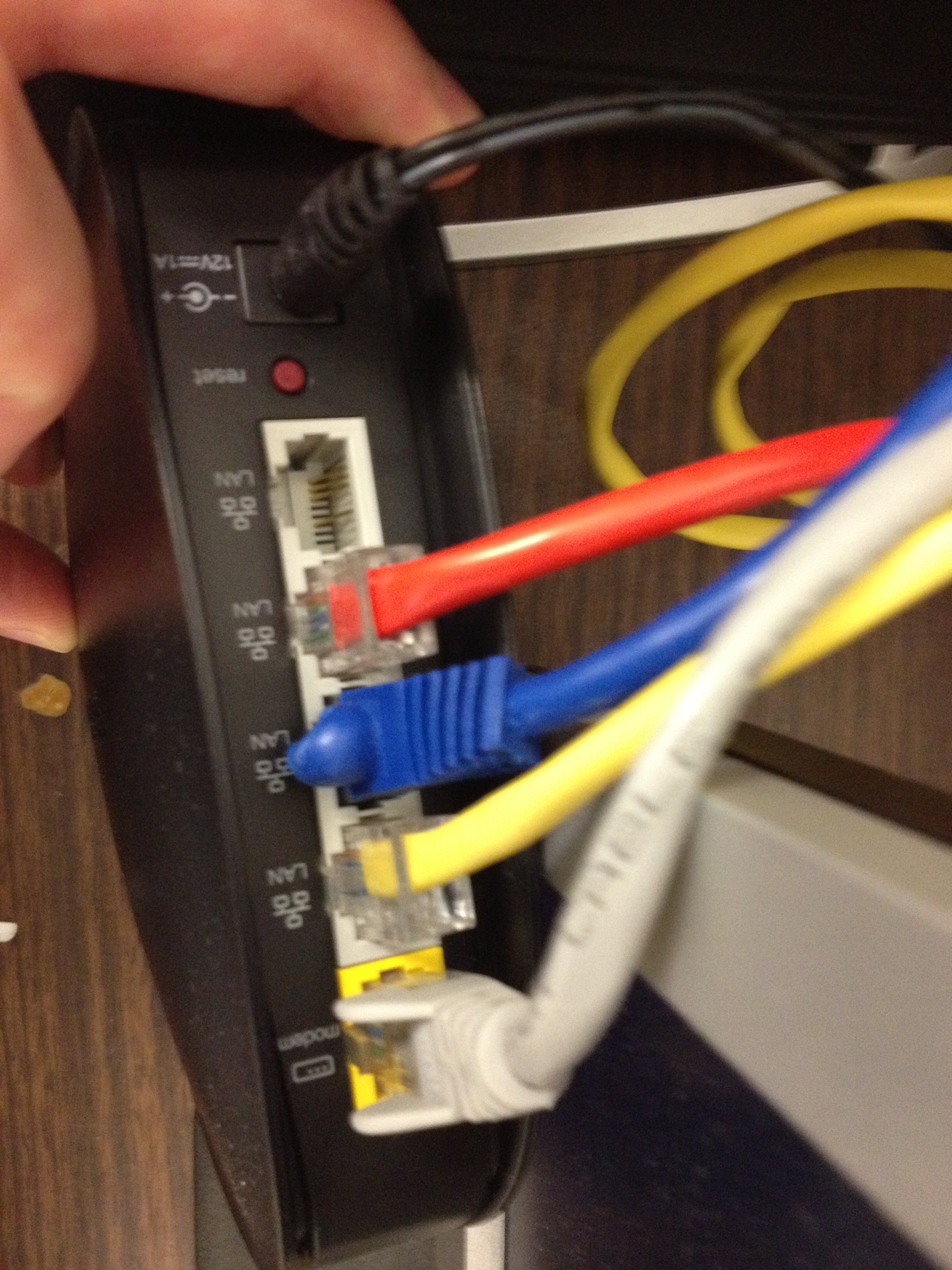 , but they have a built-in DHCP server. And of course the patch cable from the wall was connected to the Internet port. So the two computers and printer connected to the switch ports were firewalled off from the rest of the network. When I asked about it no one could give me a good answer. If they had made a request from IT we would have had new lines run or sent them a small switch. I assume the people in this department were so disillusioned with IT, they didn’t want to waste time waiting on us. People want to do the right thing. They want to follow the rules. But if you need to wait a week for a response and several weeks for a resolution, you won’t involve IT unless you HAVE to.
The third and final example was a workaround for an infrastructure problem. We’ve been battling issues lately with printing through Citrix XenApp. We have many different models of HP printers in the offices. For use in XenApp we usually just use the tried and true LaserJet III driver. Recently we started using a new software application in XenApp. People have had all sorts of printing problems using the non-native LaserJet III driver. When printing reports the text will go off the end of the page or will be scaled incorrectly, etc. We started installing the proper drivers for the actual models of printers. And things blew up. Print spooler crashes, printers failing to map into XenApp sessions, utter chaos. We have come up with partial workarounds and things are getting better. But in the meantime the poor people out in our offices have needed to come up with all sorts of creative ways to print reports. From emailing to themselves, to printing locally to who knows what. There are probably people copying and pasting data into spreadsheets!
So there you have it. People need to get their work done. They literally cannot afford to always wait for IT. What can we as an IT department do to fix this dysfunctional situation?
1) First we can add some staff. I won’t go into detail, but we got ourselves into a situation where we simply did not have enough staff to support the numbers of employees, devices and applications we offer. I’m happy to report we very recently have brought on a couple new people.
2) Now that we have (presumably) enough staff, we must focus on customer service. Even with better service levels it will take time to change people’s perceptions of IT, to undo the damage we’ve done.
3) Show our faces in the branch offices more often. This demonstrates that we care and humanizes IT. We’re no longer an unknown number of nameless faceless geeks who don’t give a damn about real people.
What else should we be doing to improve our customer service and our image presented to the organization?
 brute force IT